Best WordPress Plugins
Explore WordPress plugins designed to add useful features and flexible functionality to your website. ThemeBagan offers free plugins for Elementor and other WordPress website needs, with simple solutions for common website sections and features.
Featured Plugins
Browse our collection of WordPress plugins and choose the tools that match your website requirements. Our available plugins include solutions for image carousels, call-to-action sections, services, team members, buttons, and pricing tables.
Free Plugins for Elementor
ThemeBagan offers free Elementor plugins that help you create useful website sections without building every element from scratch. Choose the plugin you need and check its product page for available features, requirements, and usage information.
Image Carousel and Grid
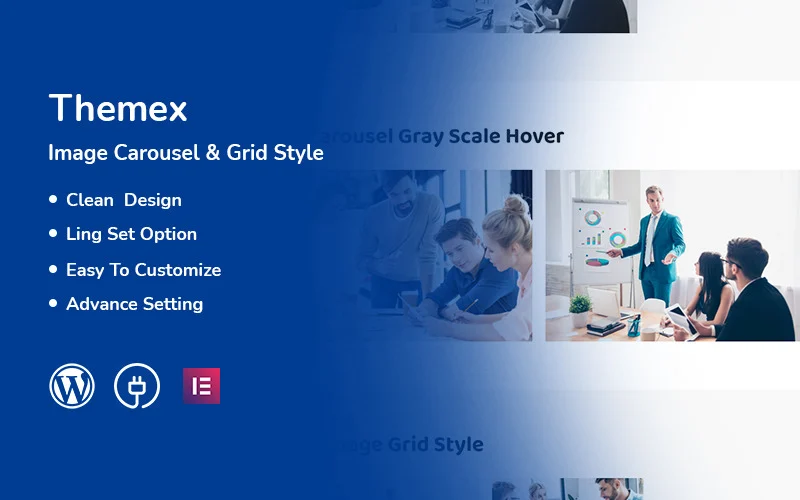
Create image-focused sections using carousel and grid layouts with the Themex Image Carousel & Grid plugin.
Call-to-Action Sections
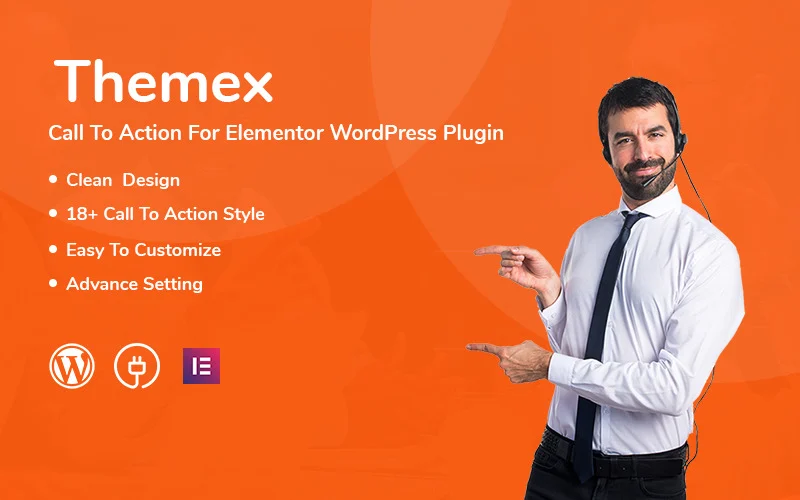
Add call-to-action sections with the Themex Call To Action plugin for Elementor-based WordPress websites.
Service Sections
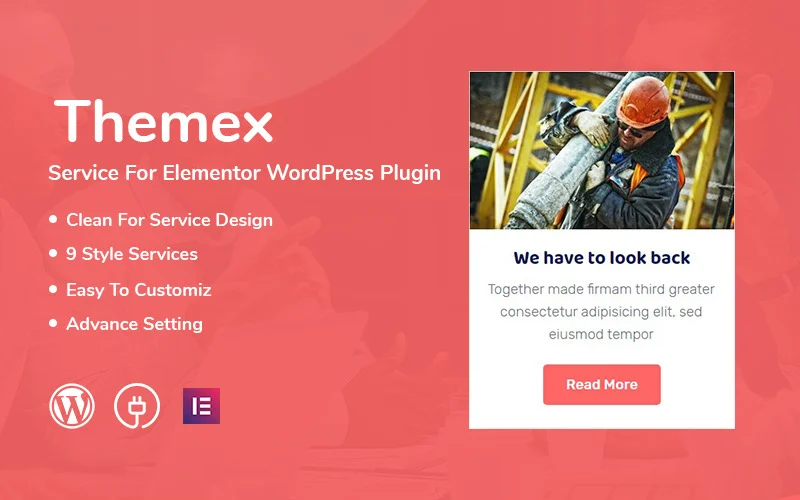
Present services in an organized layout using the Themex Service plugin for Elementor.
Team Sections
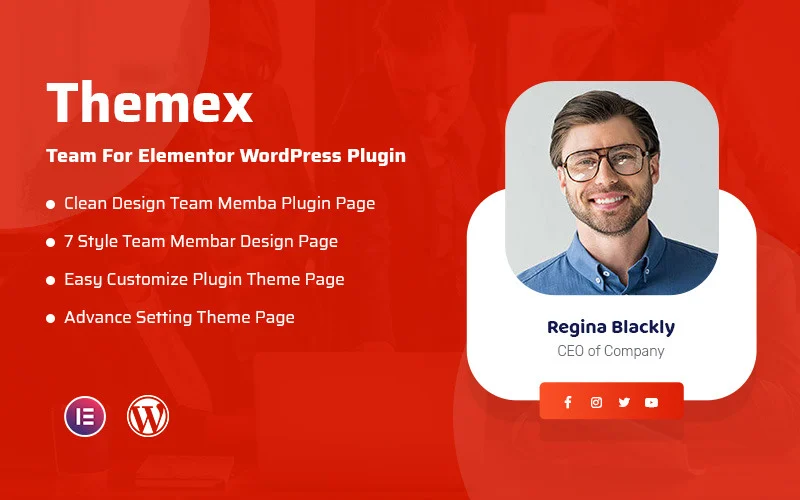
Display team members with the Themex Team plugin and create a dedicated team section for your website.
Custom Buttons
Create and customize button sections using the Themex Button plugin for Elementor.
Pricing Tables
Create pricing sections and present plans or packages using the Themex Pricing plugin for Elementor.
How to Choose the Right WordPress Plugin
Choosing the right plugin depends on the functionality your website needs. Before installing a plugin, review its features and requirements and make sure it fits your WordPress setup.
Check Plugin Features
Review the product description and available features to make sure the plugin provides the functionality you need.
Check Compatibility
Make sure the plugin is compatible with your WordPress setup and any required page builder or other tools.
Review Updates and Documentation
Check the available documentation and update information before using a plugin on a production website.
Install Only What You Need
Avoid installing unnecessary plugins. Choose plugins based on the actual functionality your website requires.
Frequently Asked Questions
What is a WordPress plugin?
A WordPress plugin is software that adds specific features or functionality to a WordPress website.
Are ThemeBagan WordPress plugins free?
ThemeBagan currently offers free WordPress plugins, including Elementor-based plugins. Check each product page for the latest pricing and availability.
Are these plugins compatible with Elementor?
The plugins in the Elementor collection are designed for Elementor. Check the individual product page for the exact requirements of each plugin.
Which plugin can I use for an image carousel?
The Themex Free Image Carousel & Grid plugin is designed for creating image carousel and grid layouts.
Which plugin can I use for a team section?
The Themex Free Team plugin is designed to help create team member sections using Elementor.
Can I install every plugin on my website?
You should install only the plugins that provide functionality your website needs. Always review plugin requirements and compatibility before installation.
Explore More WordPress Products
Explore more website resources from
ThemeBagan, including WordPress themes, free WordPress themes, and HTML website templates.