
Showing all 6 results


Free WordPress Plugins
Looking for free WordPress plugins to add useful features to your website without increasing your development cost? ThemeBagan offers a growing collection of free plugins designed to help WordPress users create more useful and engaging websites.
These plugins are especially useful for freelancers, agencies, developers, businesses, online business owners, and anyone who wants to extend a WordPress website with Elementor-based features.
For example, you can add image carousels, call-to-action sections, service layouts, team member sections, buttons, and pricing tables. Therefore, instead of building every element from scratch, you can use a suitable plugin to add the functionality you need.
Best Free WordPress Plugins
Themex – Free Image Carousel & Grid
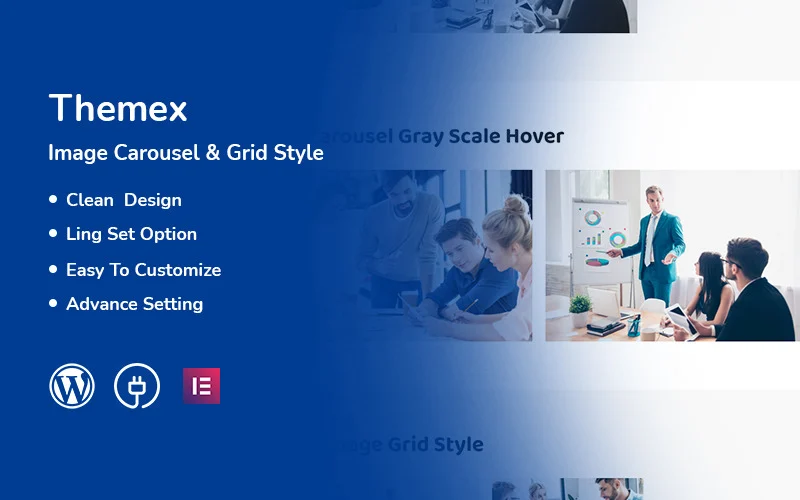
Themex – Free Image Carousel & Grid Style Responsive Elementor WordPress Plugin helps you display images using carousel and grid layouts.
It is designed for Elementor and can be useful for portfolios, galleries, business websites, and other projects where visual content needs to be presented clearly.
The plugin is responsive and provides customization options for creating image-focused sections without building the entire component manually.
Best for: portfolios, galleries, business websites, image showcases, and Elementor websites.
Verified product page:
Themex Free Image Carousel & Grid Plugin
Themex – Free Call To Action
Themex – Free Call To Action For Elementor WordPress Plugin helps you create attractive call-to-action sections for WordPress websites.
You can use CTA sections to encourage visitors to contact your business, sign up for a service, purchase a product, or take another important action.
The plugin works with Elementor and allows you to create CTA sections with titles, descriptions, buttons, and background images. It is also responsive for mobile, tablet, and desktop layouts.
Best for: business websites, landing pages, online stores, service websites, and promotional sections.
Verified product page:
Themex Free Call To Action Plugin
Themex – Free Service For Elementor
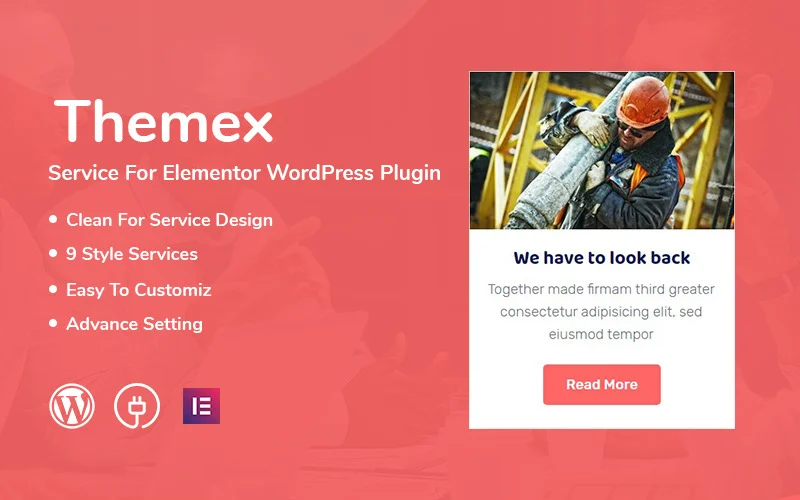
Themex – Free Service For Elementor WordPress Plugin is designed to help you present services in an organized way on an Elementor-powered WordPress website.
A service section can make it easier for visitors to understand what your business offers. For agencies, freelancers, consultants, and service-based businesses, this type of layout can become an important part of the homepage.
Best for: agencies, freelancers, consultants, service providers, and business websites.
Verified product page:
Themex Free Service Plugin
Themex – Free Team For Elementor
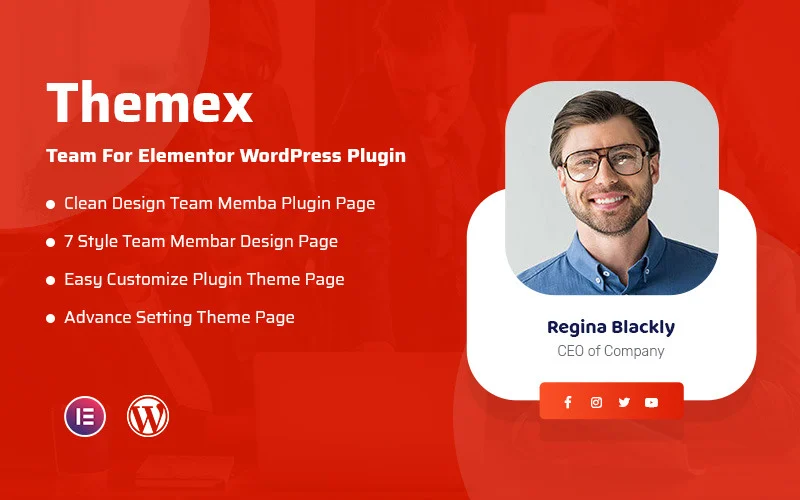
Themex – Free Team For Elementor WordPress Plugin helps you create a professional team member section using Elementor.
You can present team member photos, names, positions, short descriptions, and social media links. Therefore, visitors can quickly understand who works behind your business or organization.
The responsive layout also helps the team section adapt to different screen sizes.
Best for: agencies, startups, businesses, organizations, and professional websites.
Verified product page:
Themex Free Team For Elementor Plugin
Themex – Free Button For Elementor
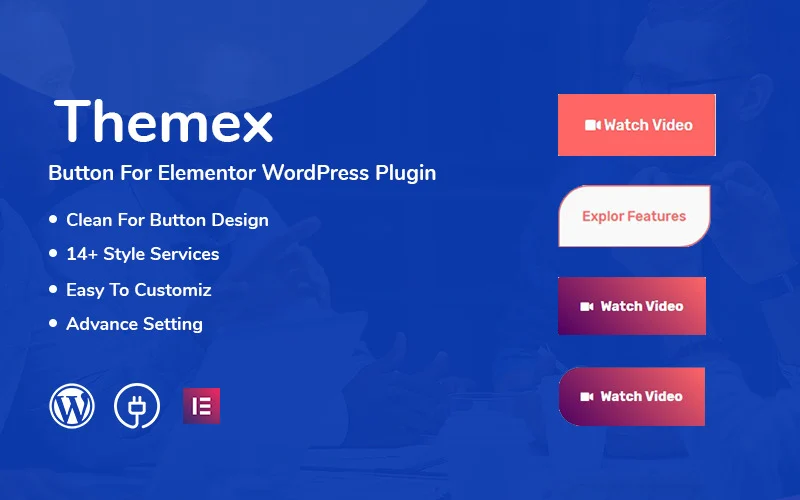
Themex – Free Button For Elementor WordPress Plugin provides an Elementor-based way to create and customize buttons for your WordPress website.
Buttons are important for directing visitors toward actions such as contacting a business, viewing a service, exploring a product, or visiting another page.
It can be useful when you need more control over button sections while building pages with Elementor.
Best for: business websites, landing pages, service pages, product sections, and Elementor layouts.
Verified product page:
Themex Free Button For Elementor Plugin
Themex – Free Pricing For Elementor
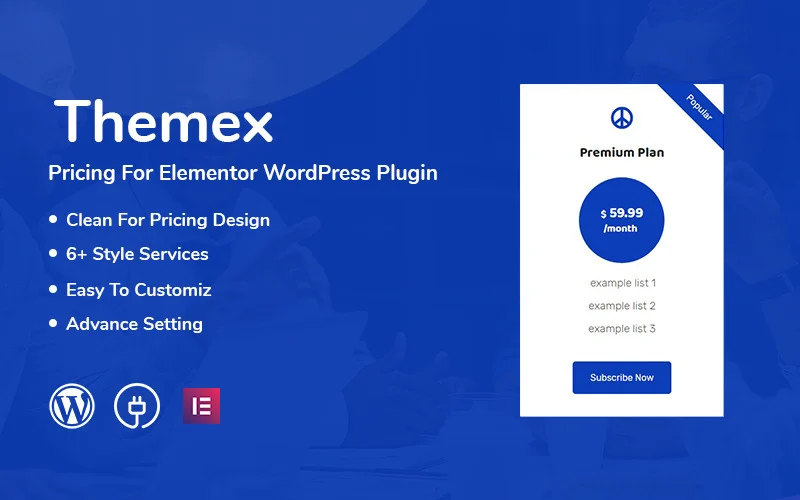
Themex – Free Pricing For Elementor WordPress Plugin helps you create pricing tables for Elementor websites.
Pricing tables can make it easier for visitors to compare plans, services, prices, features, and available options.
You can use pricing sections for business services, SaaS products, packages, subscriptions, and other offerings where visitors need to compare different plans.
Best for: SaaS websites, service providers, business websites, pricing pages, and product packages.
Verified product page:
Themex Free Pricing For Elementor Plugin
Key Features to Look For
Elementor Compatibility
If your website uses Elementor, choosing an Elementor-compatible plugin can make page building easier.
The Themex plugins in this collection are designed around specific Elementor elements, allowing you to add sections such as buttons, services, team members, pricing tables, CTAs, and image layouts.
Responsive Layouts
Responsive design is important because visitors can access your website from smartphones, tablets, laptops, and desktop computers.
The available Themex plugins include responsive layouts for their respective elements, helping those sections adapt to different screen sizes.
Easy Customization
A plugin should give you enough control to match the element with your website design.
For example, the available plugins focus on different page elements rather than forcing you to use one fixed layout for every type of content.
Useful Website Elements
Different websites need different components. Therefore, you can select a plugin based on the exact section you want to create:
- Image carousel and grid
- Call-to-action sections
- Service sections
- Team member sections
- Buttons
- Pricing tables
This approach can help you avoid installing unnecessary plugins for features you do not need.
Who Are These Free WordPress Plugins For?
Freelancers
Freelancers can use these plugins when creating websites for clients who need professional Elementor sections without developing every component from scratch.
Agencies
Web agencies can use reusable website elements across different business and service projects. For example, team, service, CTA, and pricing sections can be useful on many client websites.
Businesses
Business owners can use plugins such as the CTA, Service, Team, Button, and Pricing plugins to improve important website sections and communicate their services more clearly.
Developers
Developers can use free plugins as additional tools when building WordPress websites with Elementor. They can select individual plugins according to the requirements of each project.
Online Business Owners
Online businesses can use pricing, CTA, button, image, and service sections to organize important information and guide visitors through their websites.
Frequently Asked Questions
1. What are free WordPress plugins?
Free WordPress plugins are software extensions that add specific functionality to a WordPress website without requiring a paid plugin license.
For example, a plugin can add a pricing table, image carousel, team section, button, or call-to-action component.
2. Are these plugins suitable for Elementor websites?
Yes. The plugins listed in this category are specifically designed around Elementor-based website elements.
However, always check the individual product page for the exact functionality and requirements of each plugin.
3. Which plugin should I use for an image slider or carousel?
If you need an image carousel or grid layout, Themex – Free Image Carousel & Grid is the relevant option in this collection.
4. Which plugin can I use to create a team section?
Themex – Free Team For Elementor is designed for creating team member sections. It supports team photos, names, positions, descriptions, and social links.
5. Can I create pricing tables for free?
Yes. Themex – Free Pricing For Elementor is designed to help you create pricing tables using Elementor.
It can be useful for service plans, SaaS packages, subscriptions, and other pricing-based layouts.
6. Which plugin is useful for call-to-action sections?
Themex – Free Call To Action For Elementor is designed specifically for creating CTA sections.
You can use CTA sections to encourage visitors to contact you, sign up, purchase, or take another desired action.
7. Do I need every plugin on my website?
No. You should install only the plugins that provide functionality your website actually needs.
Installing unnecessary plugins can make website management more complicated. Therefore, choose plugins according to your project’s requirements.
Recommended Free WordPress Plugins
Conclusion
Enhance your WordPress website with useful Elementor-based components without adding unnecessary complexity. Explore ThemeBagan’s collection of free WordPress plugins and choose the plugin that matches the section or functionality you want to add.
Start with the feature you need—whether it is an image carousel, CTA, service section, team layout, button, or pricing table—and build a more useful WordPress website with the right tool.