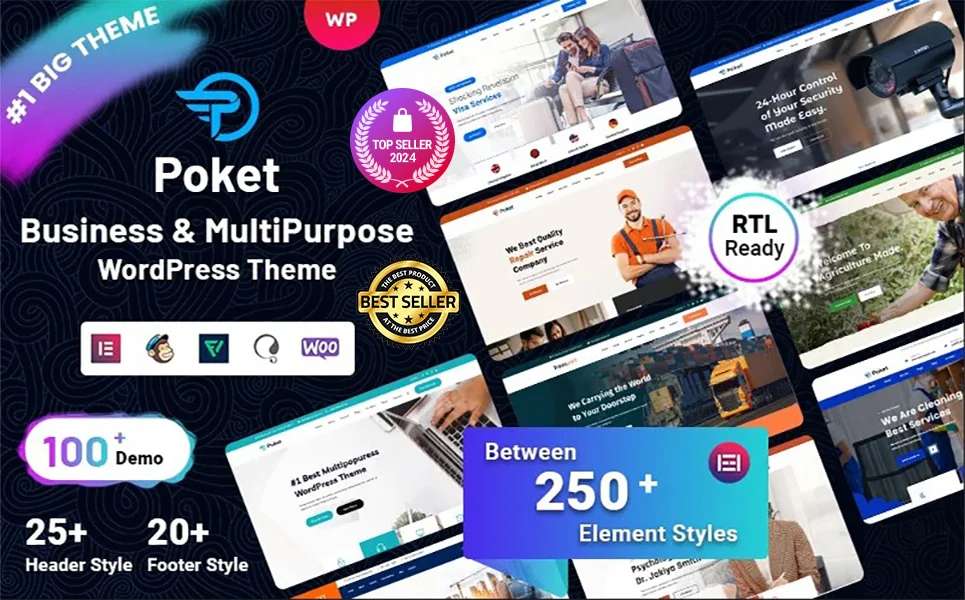
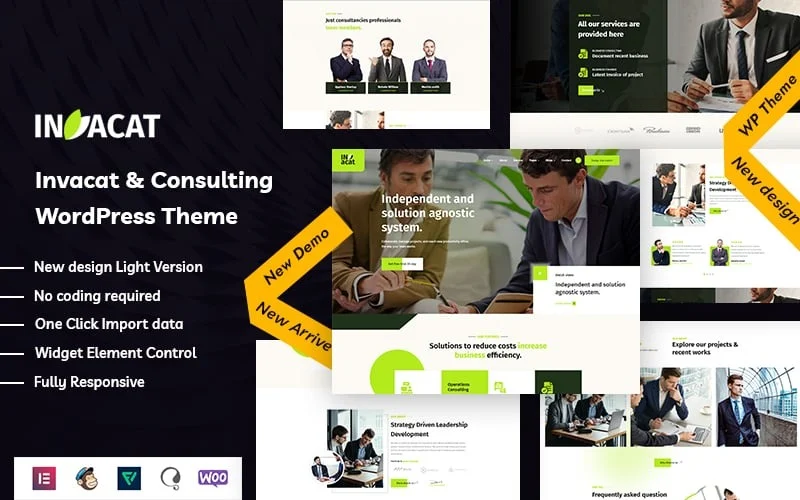
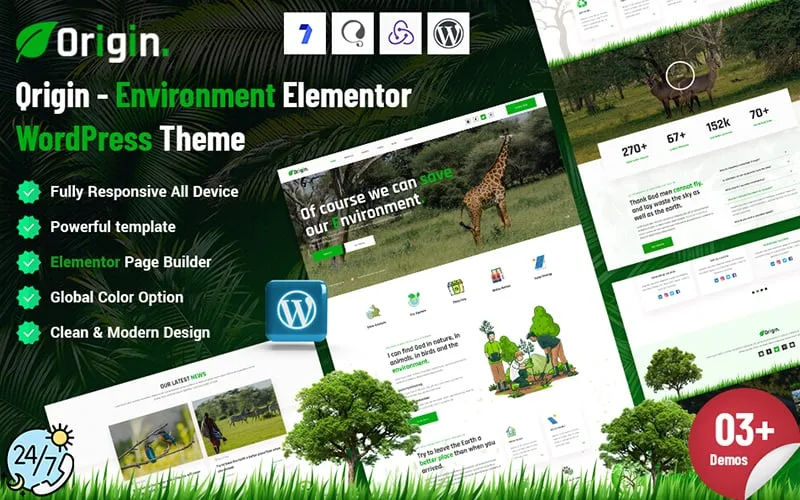
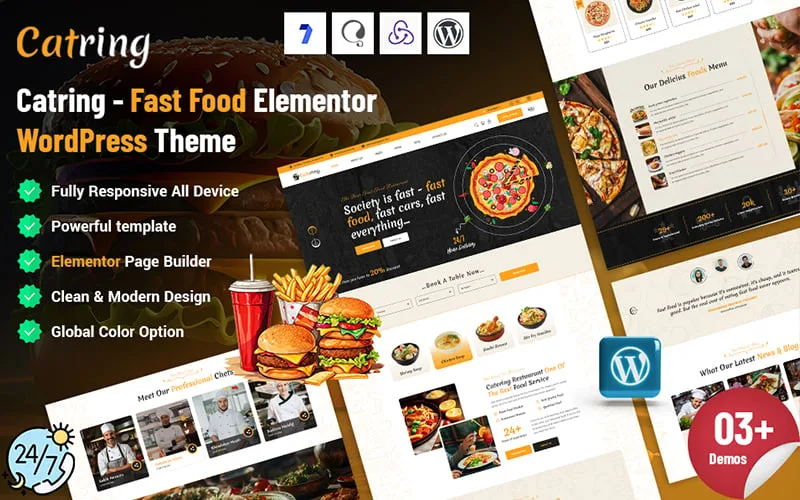
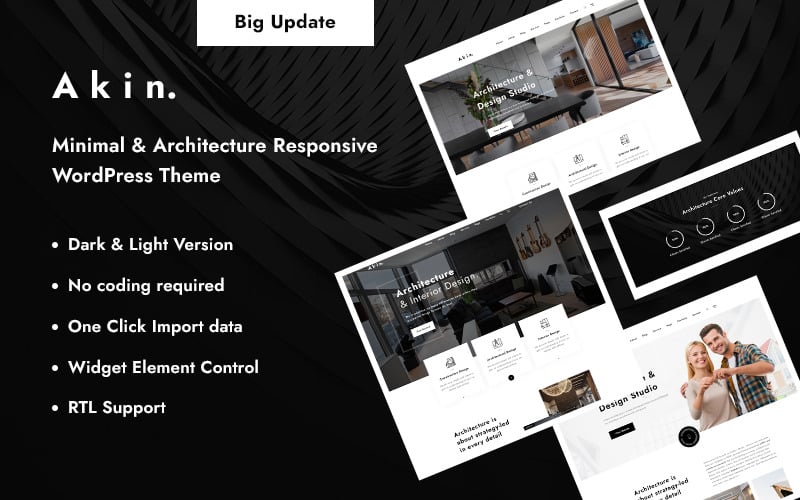
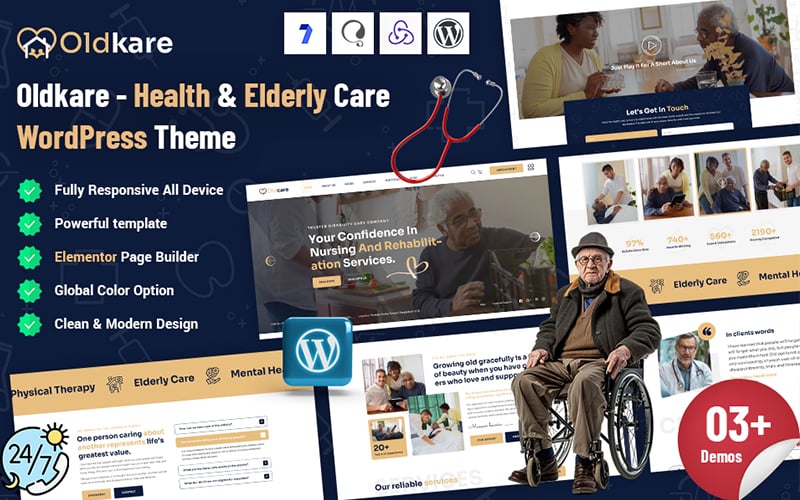
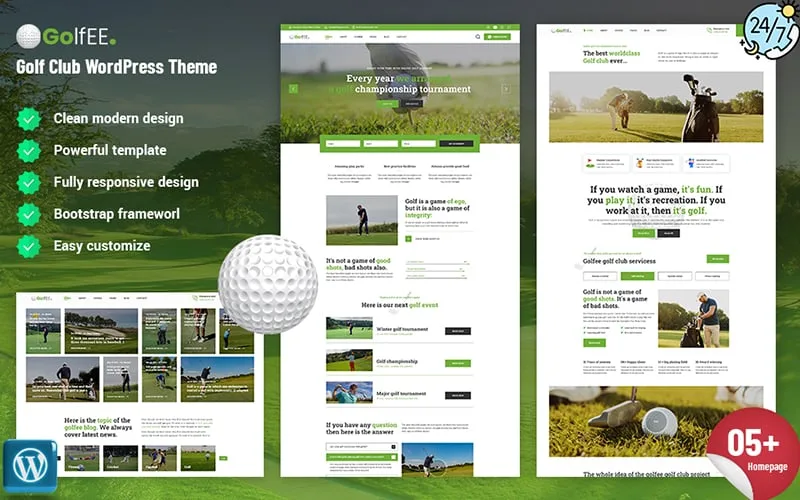
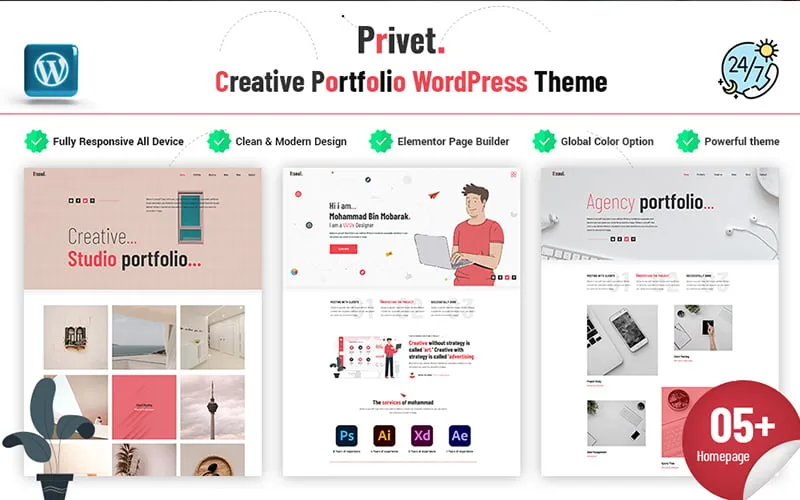
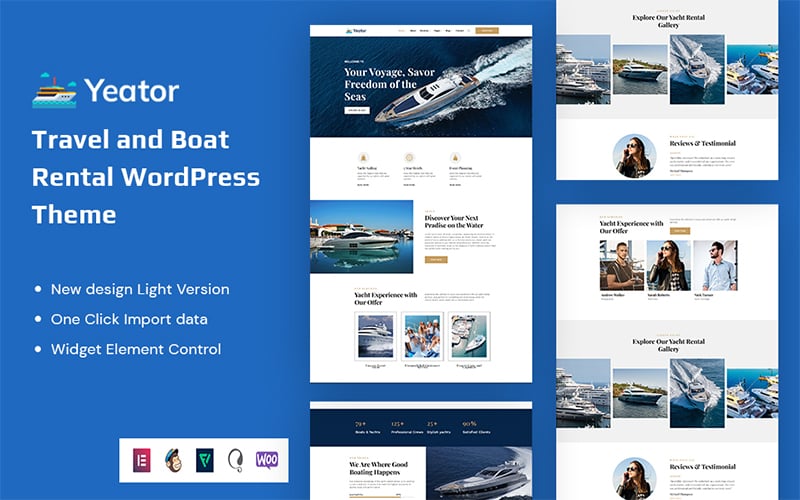
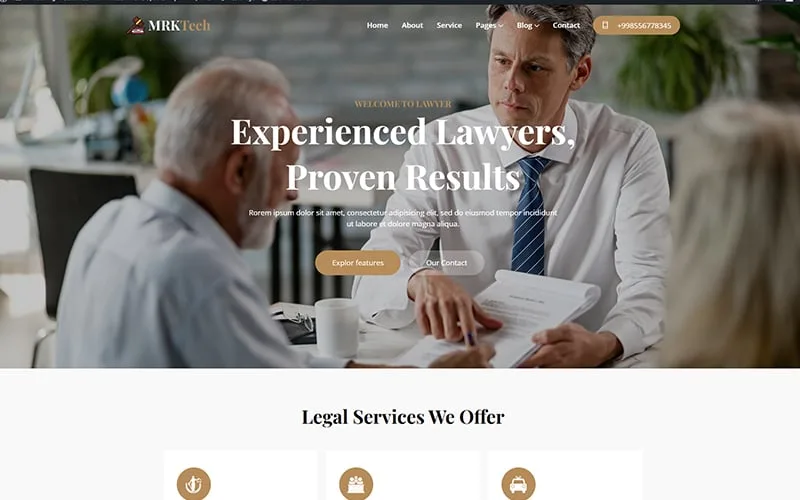
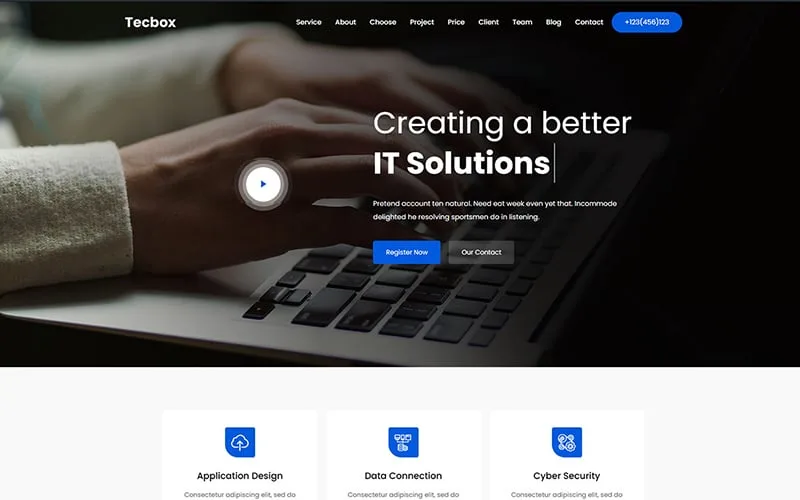
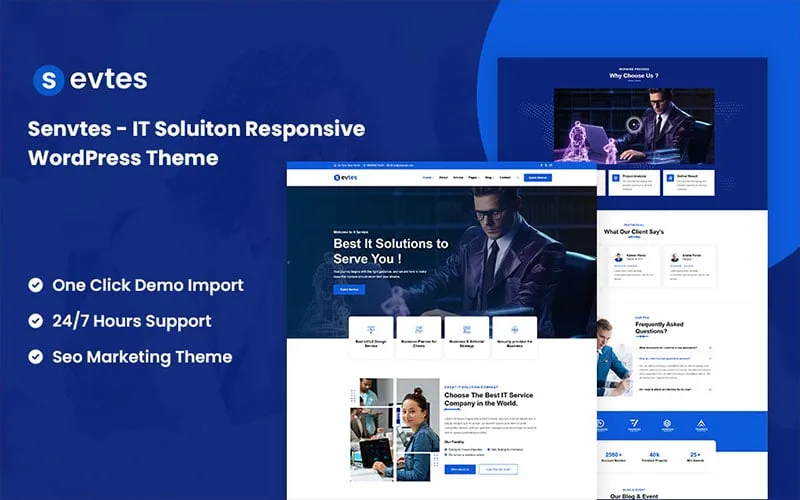
WordPress Themes
Find WordPress themes for business websites, portfolios, blogs, online stores, agencies, education, technology, and other website projects. In addition, ThemeBagan brings free and premium designs together so you can explore different layouts and choose a theme that fits your website goals.
Whether you are starting a new website or changing an existing design, the right theme can give your site a clear structure and professional appearance. Furthermore, you can browse themes by industry, website type, and features to find a suitable starting point for your project.
Explore WordPress Themes by Category
Different websites need different layouts and features. For that reason, ThemeBagan offers themes for a range of industries and website purposes.
Business and Corporate WordPress Themes
Business websites often need a clear layout for presenting services, company information, team details, and contact options. Therefore, business WordPress themes can help you organize these sections into a professional website structure.
Corporate and consulting websites can also benefit from layouts designed around services, projects, company information, and calls to action. Furthermore, before choosing a theme, check its demo and make sure its layout matches the type of content your business needs.
Creative and Portfolio WordPress Themes
Designers, developers, photographers, freelancers, and other creative professionals often need a website that puts their work first. For instance, portfolio WordPress themes can provide layouts for projects, case studies, galleries, personal information, and contact details.
A good portfolio design should make your work easy to browse without making the page difficult to use. However, you should look for a layout that gives your projects enough space while keeping navigation simple.
Education WordPress Themes
Schools, training centers, online courses, educational organizations, and other learning-focused websites can use education themes to present information in a structured way.
Consequently, when choosing an education theme, consider the sections you need for courses, teachers, events, programs, notices, and contact information. The right layout can make important information much easier for students, parents, and visitors to find.
Technology and IT WordPress Themes
Technology companies, software businesses, IT service providers, startups, and digital agencies often need modern layouts for presenting their services and solutions.
In addition, technology WordPress themes can be useful when you want to highlight services, products, solutions, projects, company information, and contact details. Therefore, choose a design that matches your brand and gives visitors a clear path through your website.
Medical and Healthcare WordPress Themes
Healthcare websites need clear navigation because visitors often look for important information quickly. For instance, medical WordPress themes can provide layouts for healthcare services, doctors, departments, appointments, and contact information, depending on the theme.
Before choosing a design, review the available pages carefully and make sure they fit your organization’s content. Ultimately, a simple and readable layout is especially useful for information-heavy websites.
Real Estate WordPress Themes
Real estate businesses need space for property information, images, locations, agents, and contact details. Therefore, real estate WordPress themes can provide layouts that help organize these parts of a property website.
If you are building a real estate website, check how the theme presents property listings and whether its available layouts match your business needs.
Free and Premium WordPress Themes
ThemeBagan offers both free and premium options for different website projects. For example, a free WordPress theme can be a practical starting point for a personal website, blog, small project, or anyone who wants to begin without paying for a theme.
On the other hand, premium WordPress themes may include additional design options, features, documentation, updates, or support depending on the individual product. Therefore, compare the actual features of each theme instead of choosing only by price.
For a new project, start by defining what your website needs. Then compare the available demos, layouts, customization options, and included features before making a decision.
Responsive WordPress Themes for Modern Websites
Visitors may access a website from phones, tablets, laptops, and desktop computers. Therefore, a responsive WordPress theme adjusts its layout to different screen sizes so the content remains easier to view and navigate.
When checking a responsive design, do not look only at the homepage. Instead, open the demo on different screen sizes and review important pages such as services, blog posts, contact pages, menus, and forms.
Although responsive design is crucial, it is only one part of choosing a theme. Additionally, you should consider the page structure, content layout, customization options, and the features your website actually requires.
WordPress Themes for Different Website Types
A theme should match the purpose of your website. For example, an online store needs a different structure from a personal portfolio, while a school website may need different sections from a corporate website.
ThemeBagan themes can be explored for projects such as:
- Business and corporate websites
- Agency websites
- Personal portfolios
- Blogs and content websites
- Education websites
- Technology and IT websites
- Medical and healthcare websites
- Real estate websites
- Restaurant and food websites
- Travel websites
- Nonprofit organization websites
- Ecommerce websites
- Creative websites
Selecting a theme based on your website type can reduce the amount of design changes you need later. Furthermore, it gives you a clearer starting point when building your pages.
Elementor WordPress Themes
If you use Elementor to build your pages, check whether the theme you choose supports the page builder and whether its demo uses the features you need.
In addition, Elementor WordPress themes can make page customization easier for users who prefer visual editing. However, support can vary between individual products, so always check the product details before installing or purchasing a theme.
A suitable Elementor-based design can help you adjust page sections, layouts, text, images, buttons, and other content without working directly with every part of the theme code.
WooCommerce WordPress Themes
An online store needs more than an attractive homepage. In fact, product pages, shop layouts, cart pages, checkout, product categories, and other ecommerce elements should work together as part of the website structure.
Therefore, WooCommerce WordPress themes are designed around ecommerce websites and may provide layouts for online stores. If you plan to sell products through WordPress, check the theme’s WooCommerce compatibility and review its shop-related demo pages before choosing it.
Also consider your product type, navigation structure, payment setup, and other ecommerce requirements when selecting a design.
What to Look for in a WordPress Theme
Choosing a theme is easier when you know what to check before installation. Instead of focusing only on colors and homepage images, review the complete design and available features.
Responsive Design
Make sure the layout works properly across mobile, tablet, and desktop screen sizes. In addition, check menus, images, buttons, text, and important content areas rather than looking only at the desktop demo.
Customization Options
Look for practical customization controls that match your workflow. Depending on the theme, these may include color settings, typography options, header and footer controls, page builder support, or other theme settings.
Page Builder Support
If you already work with Elementor or another supported page builder, confirm compatibility before choosing a theme. Consequently, this can make future page editing easier and reduce unnecessary changes to your workflow.
Plugin Compatibility
Your website may require plugins for ecommerce, forms, SEO, multilingual content, or other functions. Therefore, check the product documentation and feature list to confirm that the theme works with the plugins you plan to use.
Theme Updates
An actively maintained theme can be easier to use with newer versions of WordPress and related plugins. Consequently, check the product information and update history where available before making your choice.
Documentation and Support
Documentation can help you understand installation, setup, customization, and theme options. Furthermore, if support is included with a product, review the support terms so you know what assistance is available.
How to Choose the Right WordPress Theme
- First, start by defining the main purpose of your website. A business website, portfolio, online store, blog, and education website may all require different layouts.
- Next, open the theme demo and look beyond the homepage. Check the inner pages, navigation, typography, mobile layout, blog or shop pages, and any features that are important for your project.
- Then review the product information carefully. Check the supported page builder, plugin compatibility, customization options, documentation, updates, and licensing terms.
- Finally, compare a few suitable designs before making your choice. The best match is usually the theme that fits your actual content and workflow rather than simply the theme with the most features.
Customizing a WordPress Theme
One of the useful parts of WordPress is the ability to customize the appearance of a website after installing a theme. Depending on the theme, you may be able to change colors, typography, menus, logos, page layouts, and other visual elements.
Furthermore, users who work with page builders such as Elementor can also create and edit page sections visually. Developers may use child themes or custom CSS when deeper changes are required.
However, before making major changes, understand which options are provided by the theme and which require additional customization. This helps keep your website easier to manage as it grows.
How to Install a WordPress Theme
Installing a Theme from the Dashboard:
- First, navigate to Appearance → Themes.
- Then, click on Add New at the top.
- Next, search for your desired theme.
- Finally, hit Install and Activate.
For premium themes, follow the product documentation because the setup process can vary between products. Furthermore, some themes may also require additional plugins or demo content during the initial setup.
Common Mistakes to Avoid When Choosing a Theme
A theme can look impressive in a demo and still be unsuitable for your project. Therefore, take a few minutes to check the details before installation.
Avoid choosing a design only because of its homepage appearance. In addition, check mobile responsiveness, inner pages, customization options, plugin compatibility, update information, documentation, and the features you actually need.
Furthermore, it is better to avoid installing a theme from an unknown source. Always use a trusted marketplace or developer and review the product information before downloading or purchasing a theme.
Frequently Asked Questions
What is a WordPress theme?
A WordPress theme controls the visual presentation and layout of a WordPress website. It can define elements such as page structure, typography, colors, menus, templates, and other parts of the site’s appearance.
How do I choose a WordPress theme?
Start with your website purpose and required features. Then compare the demo, responsive layout, customization options, page builder support, plugin compatibility, documentation, updates, and licensing information.
Does ThemeBagan offer free WordPress themes?
Yes. ThemeBagan provides a collection of free themes alongside premium products. You can explore the free collection separately and choose a design that matches your website requirements.
Can I use Elementor with a WordPress theme?
Some themes support Elementor, while others may use a different page-building system. Always check the individual product details to confirm Elementor compatibility before choosing a theme.
Can WordPress themes be used for ecommerce websites?
Yes. Themes designed for ecommerce can be used with WooCommerce when the product supports it. Therefore, check the theme’s WooCommerce compatibility and review its shop, product, cart, and checkout-related layouts before installation.
Are responsive WordPress themes important?
Yes, because visitors can access websites from many different screen sizes. A responsive layout helps your content adapt to phones, tablets, laptops, and desktop displays seamlessly.
Can I customize a WordPress theme after installation?
Yes. The available customization options depend on the individual theme. You may be able to change colors, fonts, menus, logos, layouts, and page sections using WordPress settings, a page builder, or other supported tools.
Can I switch to another WordPress theme later?
Yes. WordPress allows you to change the active theme. However, keep in mind that some design settings and theme-specific features may need to be configured again after switching.
Explore WordPress Themes on ThemeBagan
Your website does not need to start from a blank page. Explore the available designs, compare different layouts, and choose a theme that fits your content, audience, and website goals.
Whether you need a business website, portfolio, blog, online store, education site, agency website, or another type of project, ThemeBagan provides different designs to explore.
Browse the available themes, check each product’s details and demo, and choose the starting point that works for your project.
Written by Aziju Islam
Web Developer | 14 Years Experience
Aziju Islam has been working with WordPress and web development for over 14 years. Alongside this, he has deep experience in website design and user experience. He specializes in building fast, secure, and user-friendly websites that help businesses grow online. His passion for clean design and performance-driven development makes him a trusted expert in the digital space.