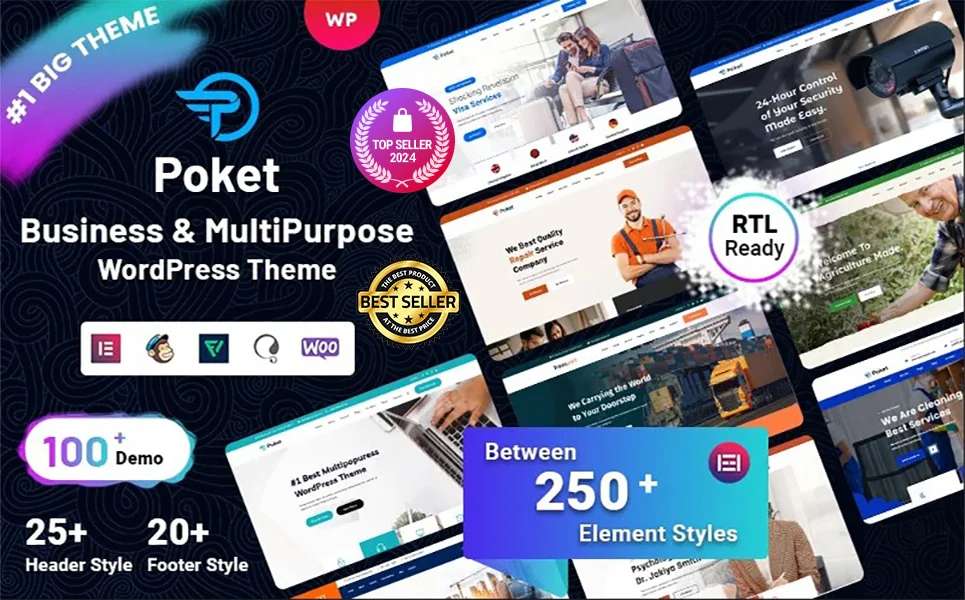
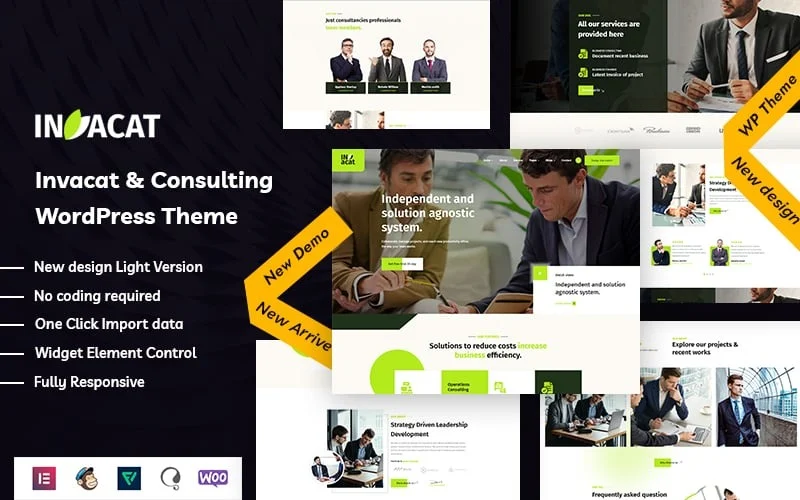
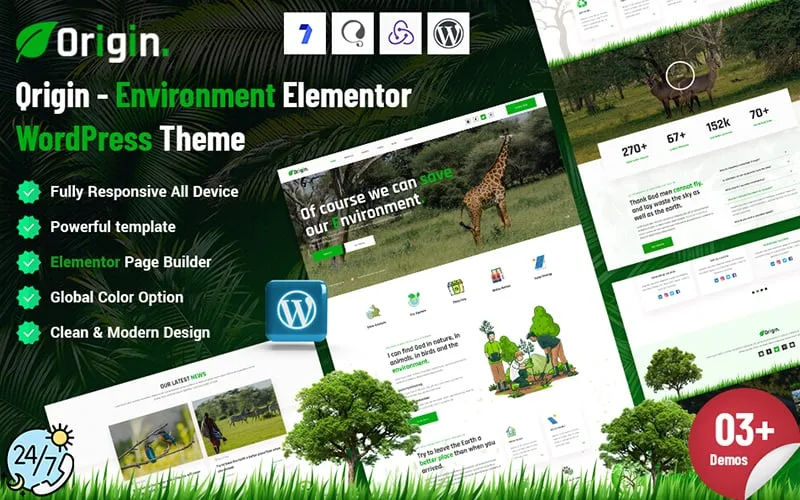
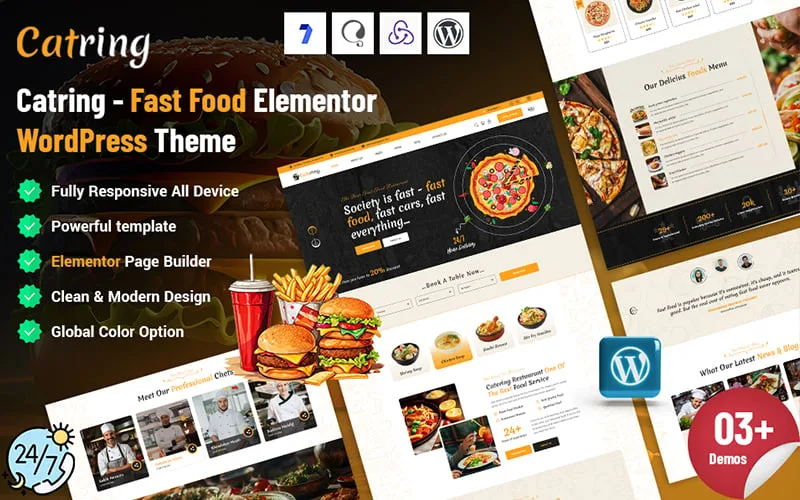
WordPress Themes and WP Themes
One of the most popular content management systems used for blogging, corporate, agency, marketing, and news websites and e-commerce ventures is WordPress. WP themes are built with many advanced layouts designed for WordPress. WordPress themes are primarily designed to create a visually appealing brand online. All theme developers update their WordPress themes with the latest technology. For this, a customer can use the theme for a long time.
WordPress is a GPL-licensed platform, which means it is completely open and allows for creative freedom for anyone. Developers can change and create WordPress themes and plugins. They can modify the code in any way they choose because it is open source for all. This collaborative environment is the best choice for making high-ranking, SEO-friendly websites in 2026 because it is the most flexible and cost-effective. It also guarantees regular security updates and new features.
For the more powerful CMS, our developer and designer make high-quality, the best WordPress templates and WP plugins for you. We created all of the themes and plugins for our customers with great thought. It helps grow your online business and reach your virtual customers easily. All of them are WordPress websites, best suited for your business
What Are WordPress Themes?
WordPress themes are collections of files that define the awesome design, appealing layout, typography, and overall appearance of the best WordPress website. These files include PHP files, templates, stylesheets, images, and sometimes JavaScript that work together to control how the WordPress website shows content.
A WP theme does not change your used content—it changes how that content looks in your browser. This means you can switch themes without losing your posts, pages, or media content. The flexibility of WordPress website is one of the main reasons WordPress powers over 43% of all websites on the internet in the world.
Why WordPress Themes Are Important
Choosing the right WordPress theme is best for the visual interface of the website. A good theme improves user experience, website speed, SEO friendliness, and conversions. It’s best to help create a nice WordPress website.
Here are some detailed benefits of using top WordPress themes:
1. Professional Design:
WordPress themes provide a polished and modern design for the site.
2. Responsive Layout:
Most of the responsive WP themes are designed to be mobile-friendly. It supports all kinds of media devices.
3. SEO Optimization:
Good WordPress themes have clean code and fast loading to improve search engine rankings and help your business grow faster.
4. Customization Options:
Premium WordPress Themes allow easy changes to colors, fonts, and layouts, media, video and others.
5. Plugin Compatibility:
Works with WooCommerce, Elementor, Yoast
6. Functionality Support:
The developer added much flexibility function for the customer’s thoughts. Many themes integrate with awesome plugins like WooCommerce and Elementor.
7. Page Builder:
A good WordPress website added the world’s best using the page builder of their theme. It allows customers to edit their website very easily.
Types of WordPress Themes
There are several types of WordPress website design themes available; each theme is made for a different purpose.
- premium WordPress Themes
- Free WordPress Theme
- Multipurpose WordPress Themes
- Niche-Specific WordPress Themes
1. Premium WordPress Themes
Theme marketplaces or developers sell premium WP themes. Themebagan is one of them. A premium theme offers advanced features and professional support.
Advantages:
- Awesome Home Page Design.
- Advanced design options.
- Regular updates and the latest technology are used.
- Dedicated customer support, 24/7 hours.
- Better performance optimization for the website.
- SEO Friendly.
- Higher Security.
- Hacker-Protected Code.
- Lifetime useable
- And more
Premium themes are ideal for businesses that want long-term growth and strong branding.
2. Multipurpose WordPress Themes
Multipurpose WordPress themes are designed to work for any type of website, including blogs, business, creative, agency, IT service, IT solution, minimal, portfolio, and eCommerce websites.
Popular multipurpose WordPress themes include layouts for:
- Corporate websites
- Portfolios
- Online shops Website
- Landing pages
- Personal
- Travel agency
- And many others category themes
Users have the benefit of this type of theme. because any time they change their mind, they can switch to another website very easily. That time, they had no need to spend anything.
3. Free WordPress Themes
Free themes are available in the WordPress theme repository. But this is not suitable for customers.While free themes may have limited features, layout, functionality and others. A free wordpress website does not grow your business properly. Because sometimes theme authors do not update their theme or delete it anytime. But you can use it if you are not an important site.
Advantages:
- No cost for use
- Reviewed for security and quality
- Easy to install
Limitations:
- Limited customization
- Fewer features option
- Not gives support
- Updates not guaranteed
ThemeBagan provides some of the real free themes of our site. We want to trust our site with our customers around the world. So check our free WordPress themes on our site.
4. Niche-Specific WordPress Themes
Niche-specific WordPress themes are built for a particular industry or purpose, such as:
- Blog themes
- News and magazine themes
- Real estate themes
- Restaurant themes
- WooCommerce themes
These WordPress themes often include built-in features specific to that niche.
Who should use ThemeBagan WordPress themes
ThemeBagan is designed and developed to be flexible, user-friendly, and performance, SEO Friendly, making it suitable for a wide range of users
- Startups and Entrepreneurs
- Business Owner
- eCommerce Store Owners
- Freelancer
- Designer
- Developer, Agency Clients
- Personal Portfolio
We added all type category WordPress themes to our themebagan marketplace. Like Corporate themes or Technology WordPress template.
Important Things to Look for in Top WordPress Themes
When choosing a WP theme, you should think about both how it looks and how it works.
Responsive Design:
A responsive WordPress site template works on all screen sizes, so your site will look great on phones, tablets, and computers.
Speed and Performance:
WordPress themes that load quickly are better for users and for SEO. The best themes are those that are light and have clean code.
Options for customization:
Find a WordPress design theme that works with the WordPress Customizer. This will make it easy for you to change the colors, layouts, and fonts.
Compatibility with Plugins:
Your theme should work well with these popular plugins:
WooCommerce, SEO from Yoast, Elementor, Form 7 for Contact and WordPress org plugin directory
Structure that is good for SEO
WordPress websites that are optimized for SEO use the right HTML structure and schema markup to make it easier for search engines to understand your content.
SEO and WordPress Themes
WP themes have a direct effect on how well your site ranks in search engines. A poorly coded theme can make your site slower and lower its rankings, but a well-optimized theme can make it easier to find.
WordPress themes that are good for SEO usually have:
- Code that is clean and simple
- Loading pages quickly
- Correct order of headings
- Responsive on mobile
- Works with SEO plugins
- And others
Picking the right WordPress theme is the first step to making a website that ranks well.
Characteristics of Premium WordPress Themes of our market
ThemeBagan WordPress Theme Characteristics
- Responsive design (mobile-friendly)
- Elementor page builder support
- Drag-and-drop layout
- SEO-friendly structure
- WooCommerce compatible
- Unlimited color customization
- Header & footer custom options
- Logo & menu customization
- Modern & clean design
- Cross-browser compatibility
- Google Fonts integration
- Custom widgets included
- Contact Form 7 optimized
- MailChimp & email marketing integration
- Multilingual/translation-ready (WPML/Polylang)
- Redux framework support
- Built-in documentation & tutorials
- Flexible page options
- No coding required
- Well documentation
Additional Functional
- Pre-designed demo pages
- Child theme included
- Smooth scroll effects
- Carousel sliders
- Responsive visibility controls
- Icon sets (FontAwesome, icofont, flaticon)
- Quick setup & free support
How to Choose the Best WordPress Theme
Here are practical steps to help you choose the right WordPress theme:
1. Define Your Website Goals:
corporate, seo, nonporofit, Blog, business, eCommerce, or portfolio
2. Check Demo Designs:
check Preview layouts and features
3. Test Responsiveness:
Ensure mobile compatibility all device
4. Evaluate Speed and Performance:
Use tools like Google PageSpeed Insights or GTmetrix to check demo site speed. A fast-loading theme improves user experience and search engine rankings.
5. Ensure Regular Updates:
Themes that are updated regularly are more secure and compatible with the latest WordPress version. Avoid themes that haven’t been updated in over a year.
6. Read Reviews and Ratings:
Learn from other users
7. Check Update Frequency:
Regular updates indicate active development
8. Verify Support Options:
Especially important for premium themes
Customizing WordPress Themes
One of the biggest advantages of WordPress themes is customization. You can personalize your theme using:
- WordPress Customizer
- Page builders like Elementor or Gutenberg
- Child themes for advanced customization
- Custom CSS for fine control
- Advance Theme Options
- Google Font Included
Customization allows your website to stand out while maintaining the structure of a professional WP theme.
How to Install a WordPress Theme
Installing is easy.
Method 1: From WordPress Dashboard
- Go to Appearance → Themes
- Click Add New
- Search for a theme
- Click Install → Activate
Method 2: Upload Theme File
- Download the theme ZIP
- Go to Appearance → Themes → Add New → Upload
- Upload file
- Click Install → Activate
Customizing Your Theme
After install, customize it.
You can:
- Add logo
- Change colors
- Edit menu
- Set homepage
- Adjust fonts
Go to:
Appearance → Customize
Preview changes live.
Common WP Theme Mistakes to Avoid
- Choosing themes without checking responsiveness
- Ignoring speed & performance
- Not checking plugin compatibility
- Not leveraging SEO-friendly structure
Every successful WordPress website is built on WordPress themes. They have an effect on design, performance, SEO, and how users feel about the site. Choosing the right WordPress theme can save you time and save you money, get people more interested, and help your website grow, whether you choose a free theme or pay for a premium one from ThemeBagan.
Frequently Asked Questions
1. What is a WordPress theme?
A WordPress theme is a set of templates and styles that define your website’s appearance.
2. Are free WordPress themes safe?
Yes, if downloaded from trusted sources like ThemBagan. Avoid unknown websites.
3. Can I customize a WordPress theme?
Yes. Most themes allow changes to colors, fonts, layouts, and even page designs.
4. Do themes affect website speed?
Yes. Lightweight and well-coded themes improve speed. Heavy themes can slow down your site.
5. How often should I update my WordPress theme?
Update whenever a new version is released to ensure security and compatibility.
6. Can I switch themes without losing content?
Yes. Your pages and posts remain. Some settings may need adjustment.
7. What are the best WordPress themes for blogs?
Themes like Astra, Neve, and OceanWP are popular for blogging due to speed and customization.
8. Do premium themes offer more features than free ones?
Yes. Premium themes often include advanced design options, templates, and better support.
9. Are mobile-friendly themes important?
Absolutely. Most users browse on mobile devices, and Google prioritizes mobile-friendly websites.
10. How can I test a WordPress theme before using it?
Many themes offer demos. You can also use a staging site to test functionality before launching.
Real Experience
We are working in this field 14+ years. and we developed 1000+ WordPress themes and Website templates. 70000+ customers are using our themes around the world. all of the customers’ happiness using our theme and avarge 95%.
Written by Aziju Islam
Web Developer | 14 Years Experience
Aziju Islam has been working with WordPress and web development for over 14 years. Alongside this, he has deep experience in website design and user experience. He specializes in building fast, secure, and user-friendly websites that help businesses grow online. His passion for clean design and performance-driven development makes him a trusted expert in the digital space.